Help Center
Last Updated: Jan 9, 2026
We just launched the ability to log any medication, any dosage, and any schedule. Here's how to do it.
Adding a custom medication
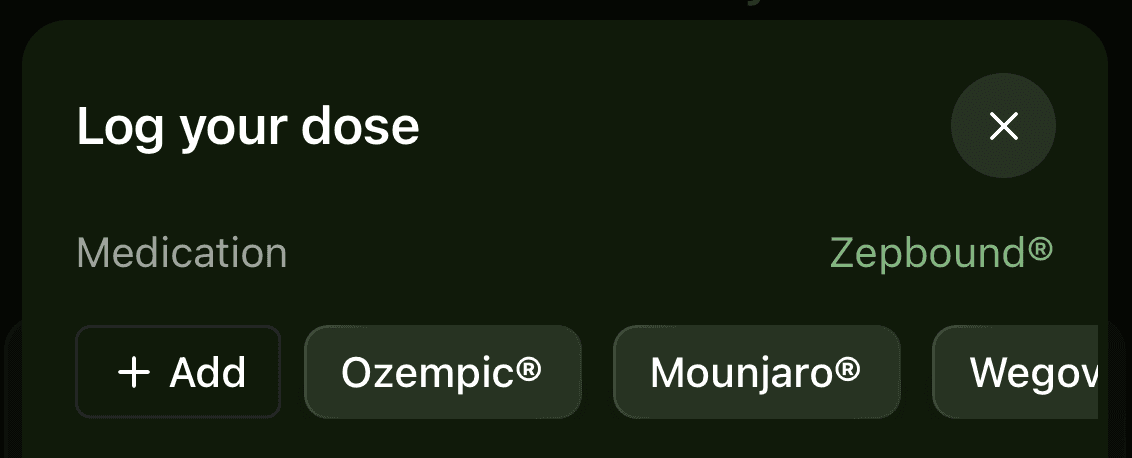
Tap the + icon in the top right corner and select Dose. Tap the medication (ex. Zepbound®) and select + Add.
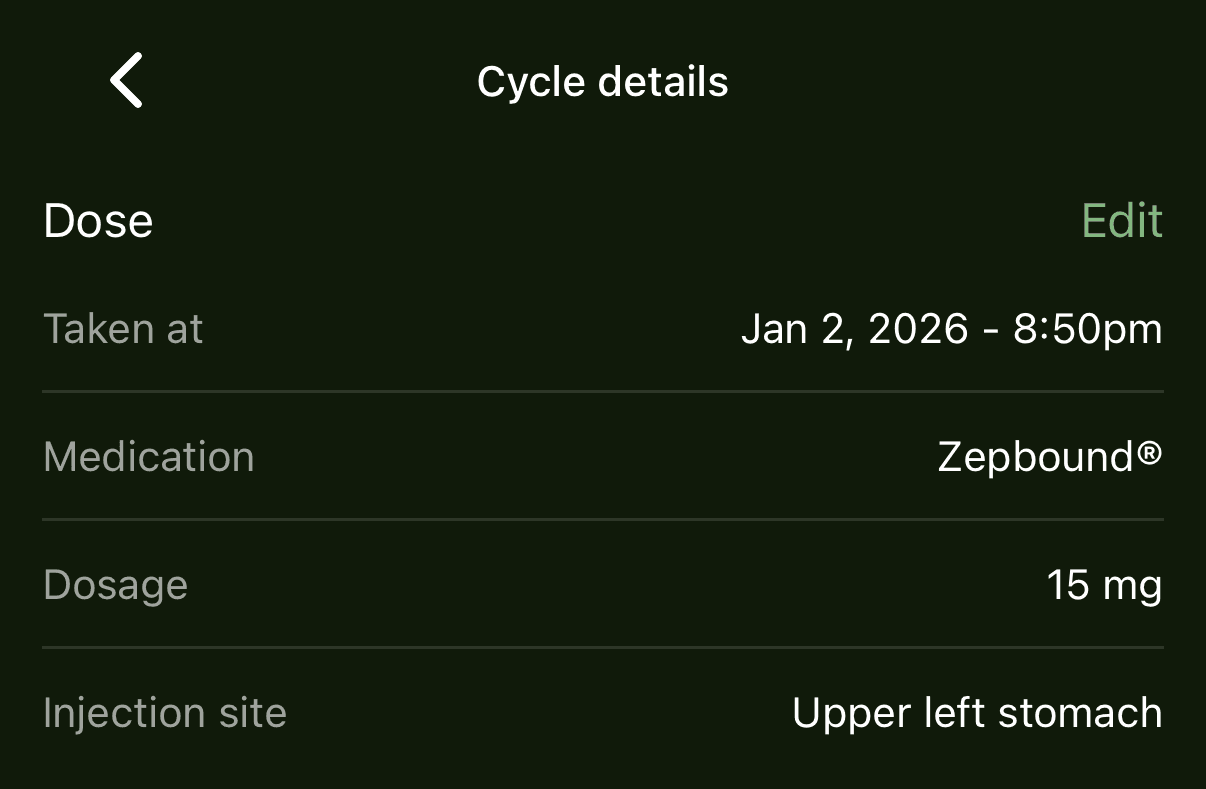
You can also add custom medications and dosages in past doses. From the Home screen, tap the medication module (above the weight chart), scroll to All cycles, select a cycle, and tap Edit in the top right.
Adding a custom dosage
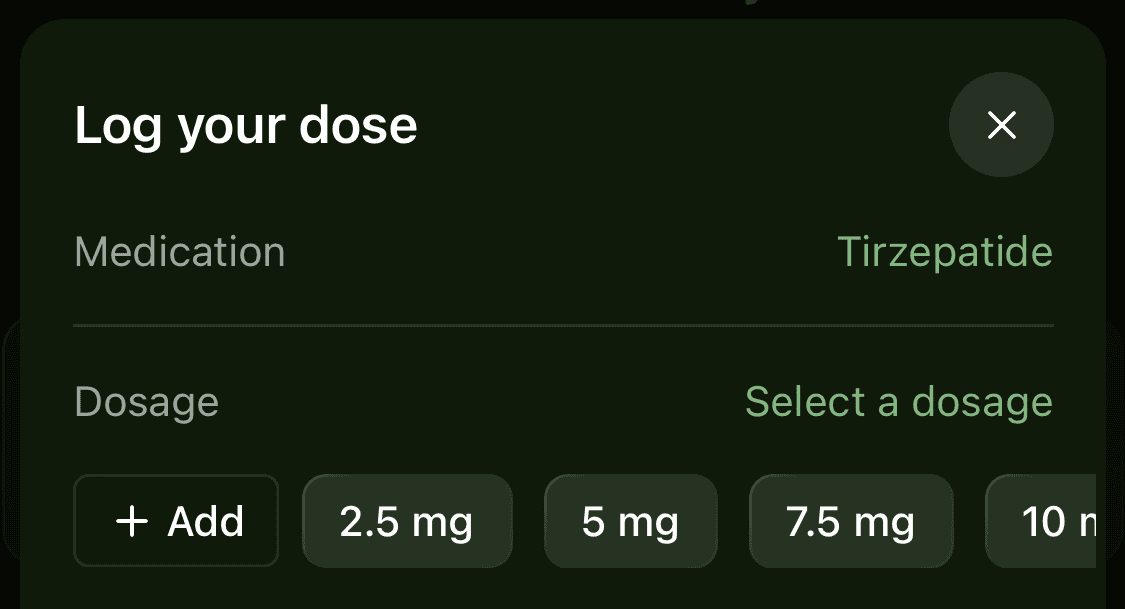
Tap the + icon in the top right corner and select Dose. Tap the Dosage and select + Add.
Set a custom schedule
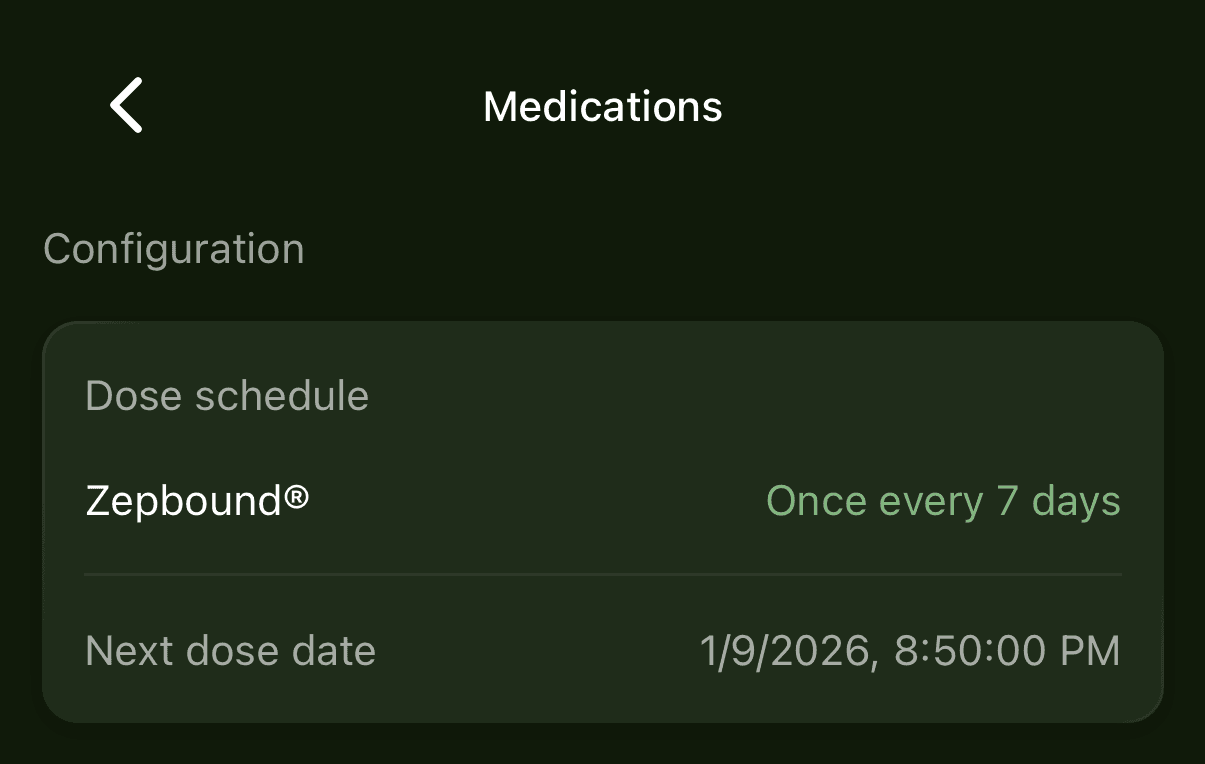
From the Home screen, tap the Account icon in the top left, then Medications, and select the schedule (ex. Once every 7 days).
Customizing past doses
From the Home screen, tap the medication module (above the weight chart), scroll to All cycles, select a cycle, and tap Edit in the top right.